Description
EVM Explorer, a custom open-source web interface to collect data with the help of BlockScout API and viem npm package to explore transaction patterns and user behavior.
EVM Explorer is a versatile tool that simplifies the process of exploring and analyzing smart contracts. With its intuitive interface, users can access detailed information and statistics about smart contracts, user addresses, token balances, transactions, and blocks.
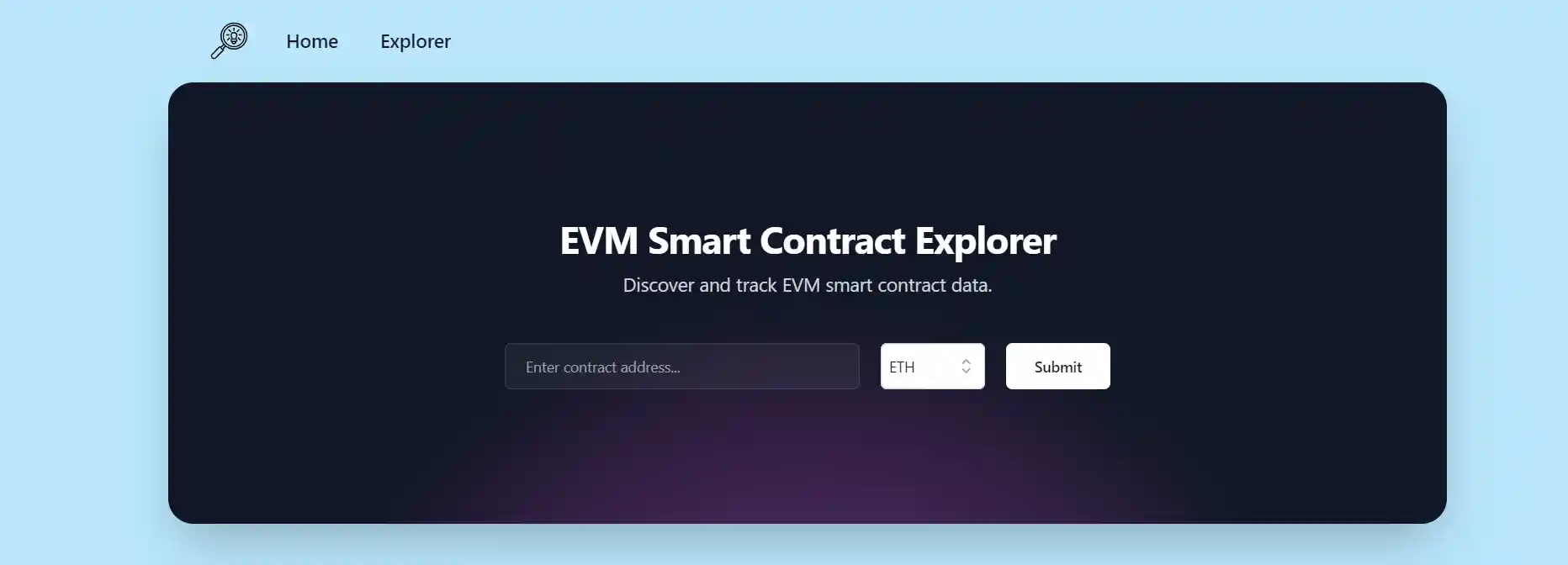
Discover and track EVM smart contract data
Search, Discover, and Track contracts by their address on 9 EVM chains: Ethereum Mainnet, Optimism, Base, Mode Network, Zora, Redstone, Polygon, Arbitrum and Filecoin.
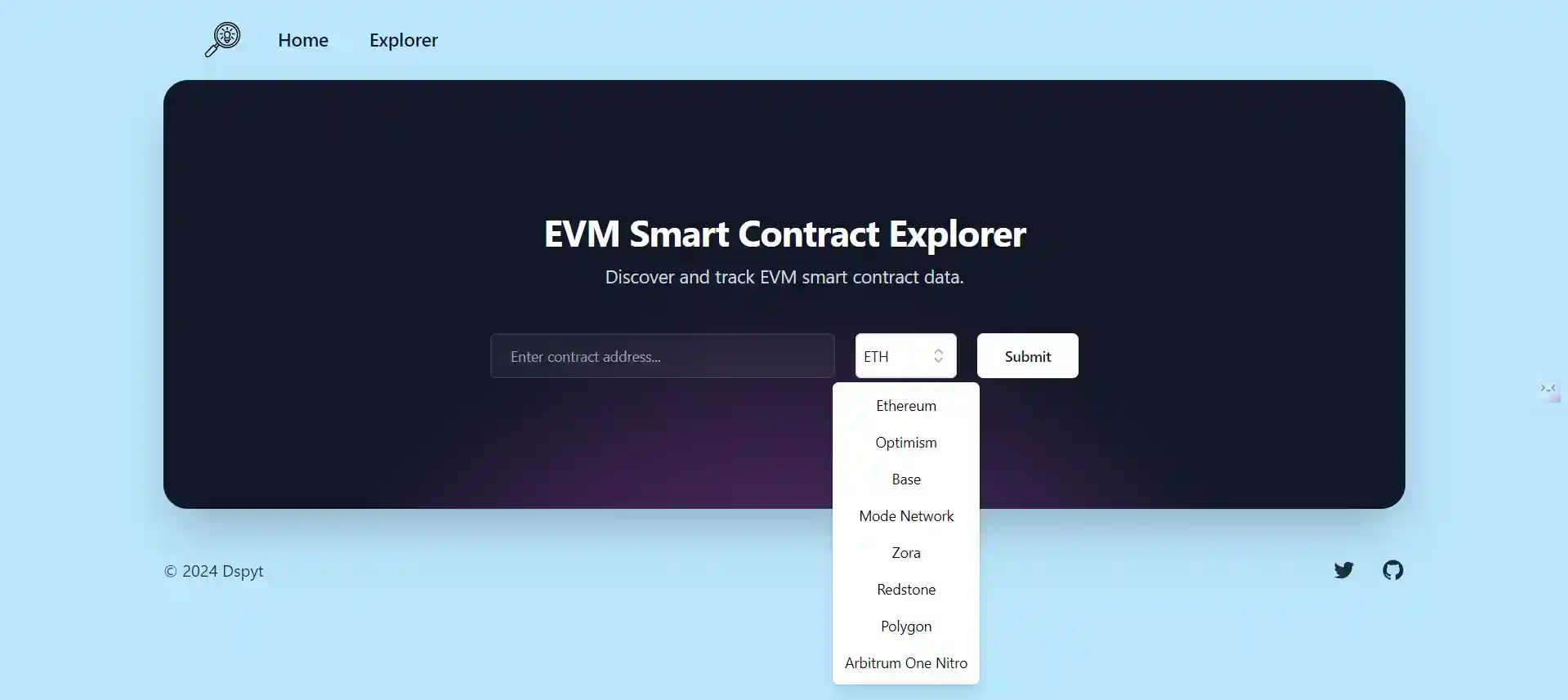
Simply paste the contract address, select a network, and click the Submit button to view transactions.
Let's navigate to Vitalik's ethereum address page:
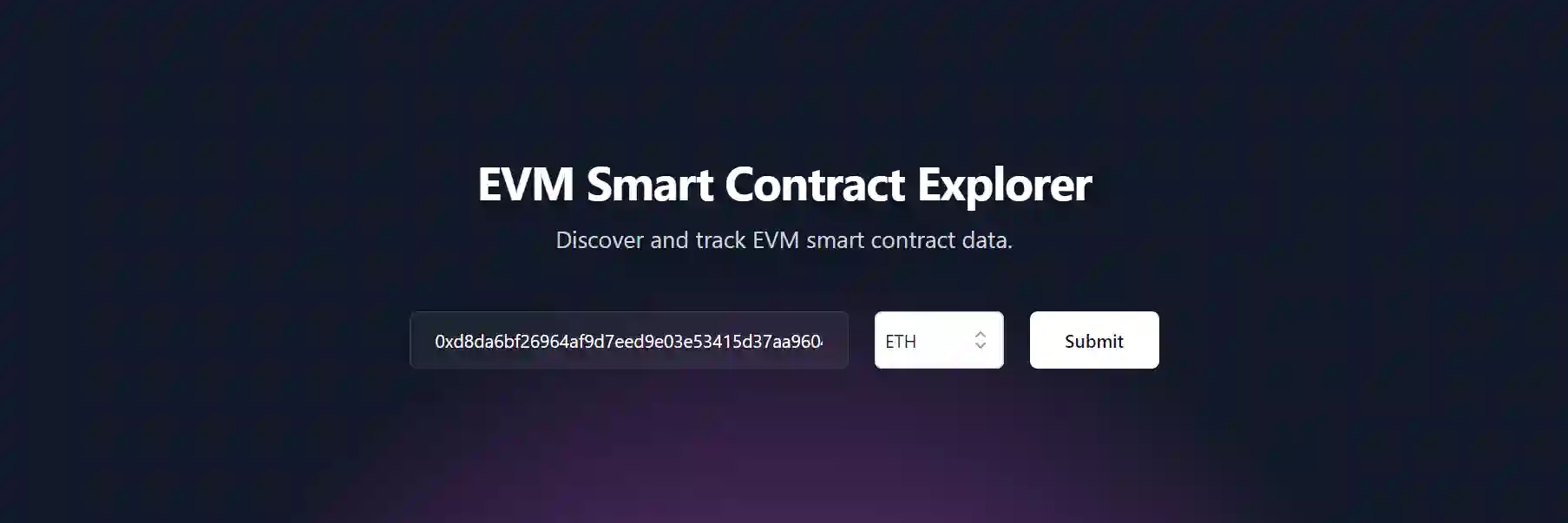
After you click the submit button, you will be redirected to a page related to an address.
Blockchain Address page
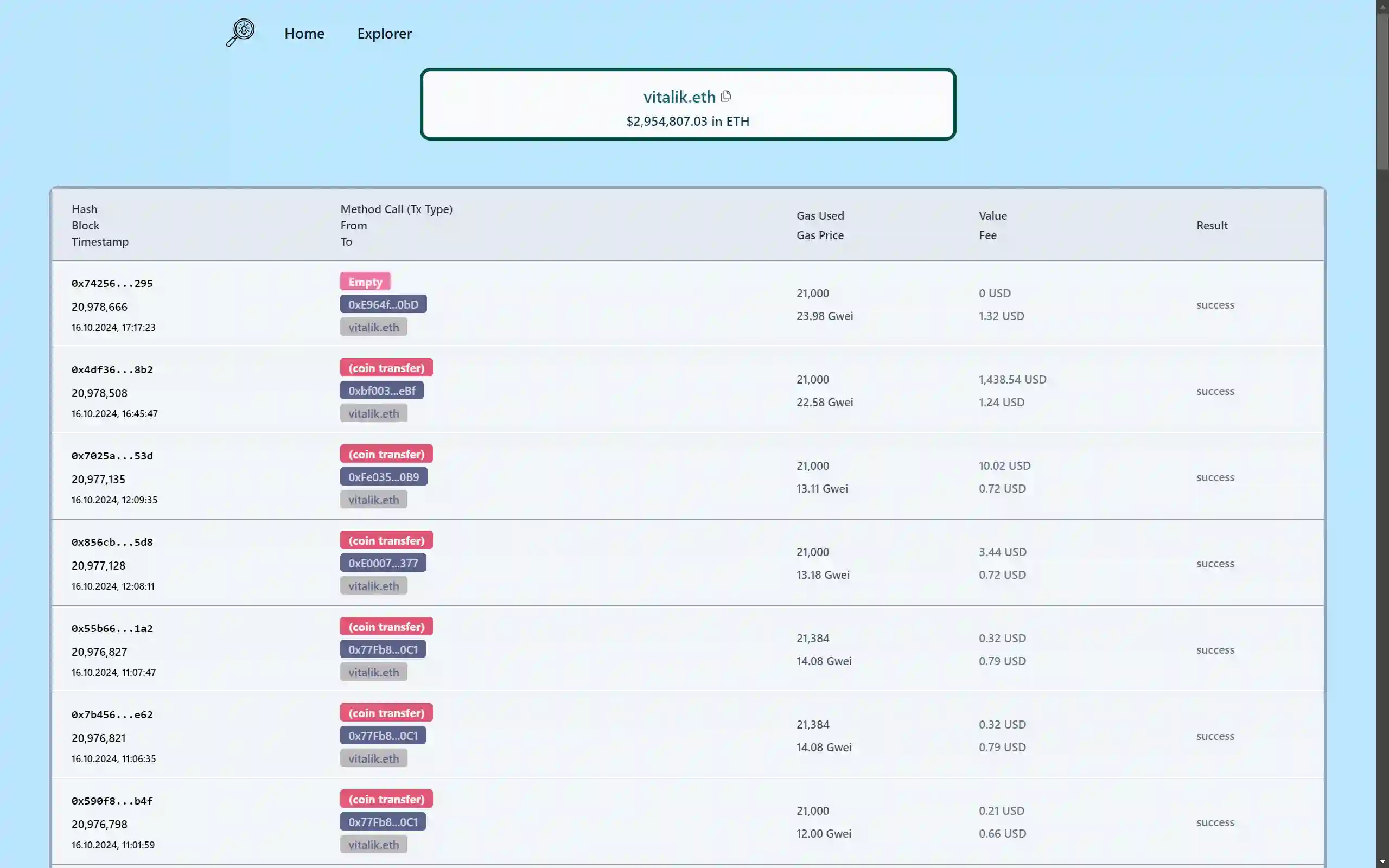
Vitalik's Ethereum address page displays a balance of ETH token in US Dollars as well as an address hash and an ENS name.
Users can also view the 50 latest transactions associated with an address, including:
-
Transaction Hash
-
Transaction Block
-
Transaction Timestamp
-
Transaction Method and Type: colored to reflect the mix of coin transfer, token transfer, and contract call.
-
Transaction sender
-
Transaction receiver
-
Gas Used
-
Gas Price in Gwei
-
Transaction Value in USD
-
Gas fee cost in USD
-
Result of the transaction
In addition, for smart contracts aggregate data should also be available:
- Number of Transactions
- Number of Token Transfers
- Average Gas per Transactions
- Gas Usage
- Number of Validations
For example, ENS governance token page on optimism network:

Transaction page
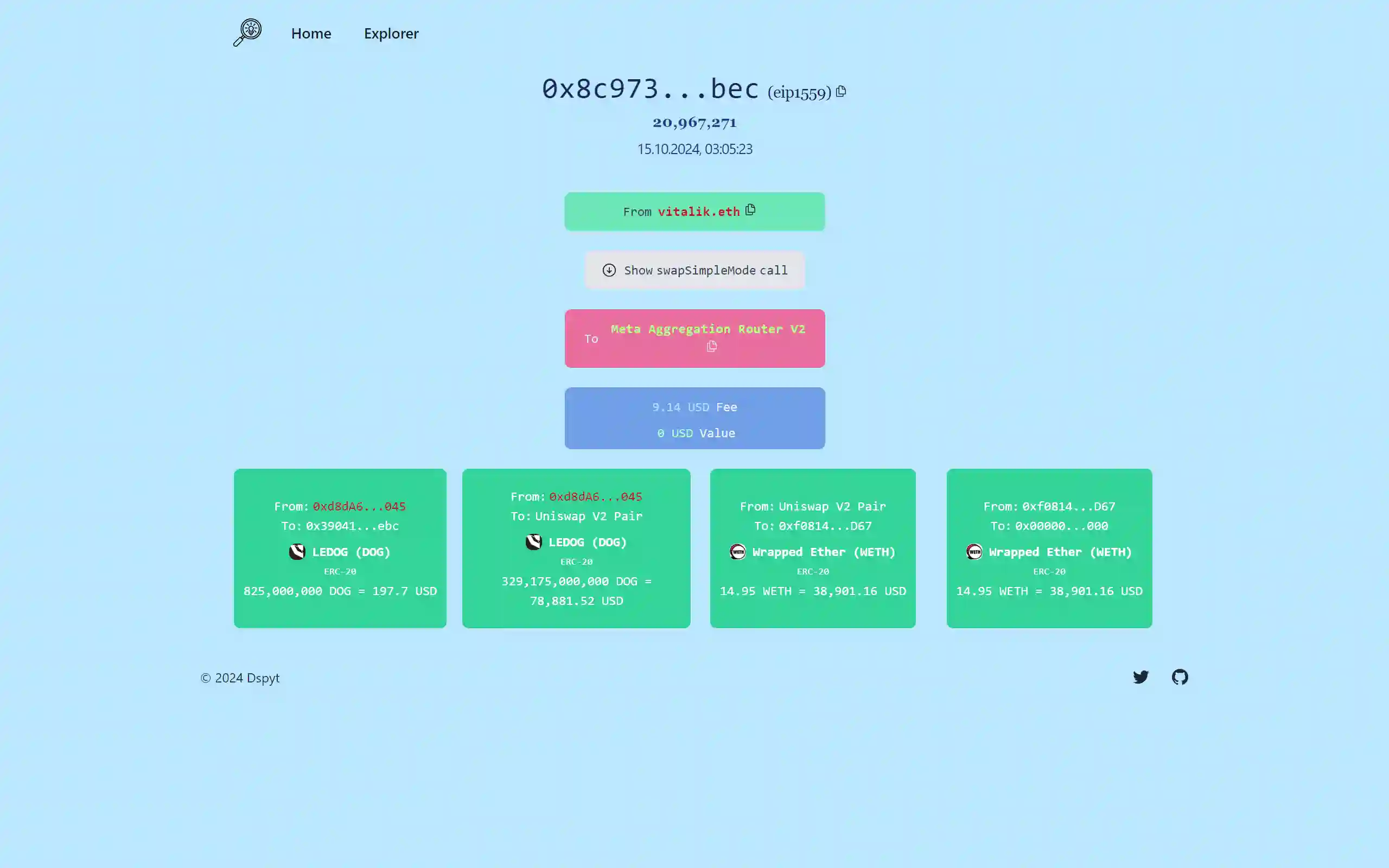
The transaction page contains a block number, transaction type, transaction timestamp, receiver, contract method call name and details, sender, transaction value in USD, gas fee cost in USD and token transfers details.
For instance, have a look at Vitalik's swap transaction with Meta Aggregation Router V2.
Blocks page
On the Blocks page, users can access essential information such as block number, block miner, block timestamp, providing insight into the blockchain's operations. For example, 20,898,767 Ethereum mainnet block is displayed below.
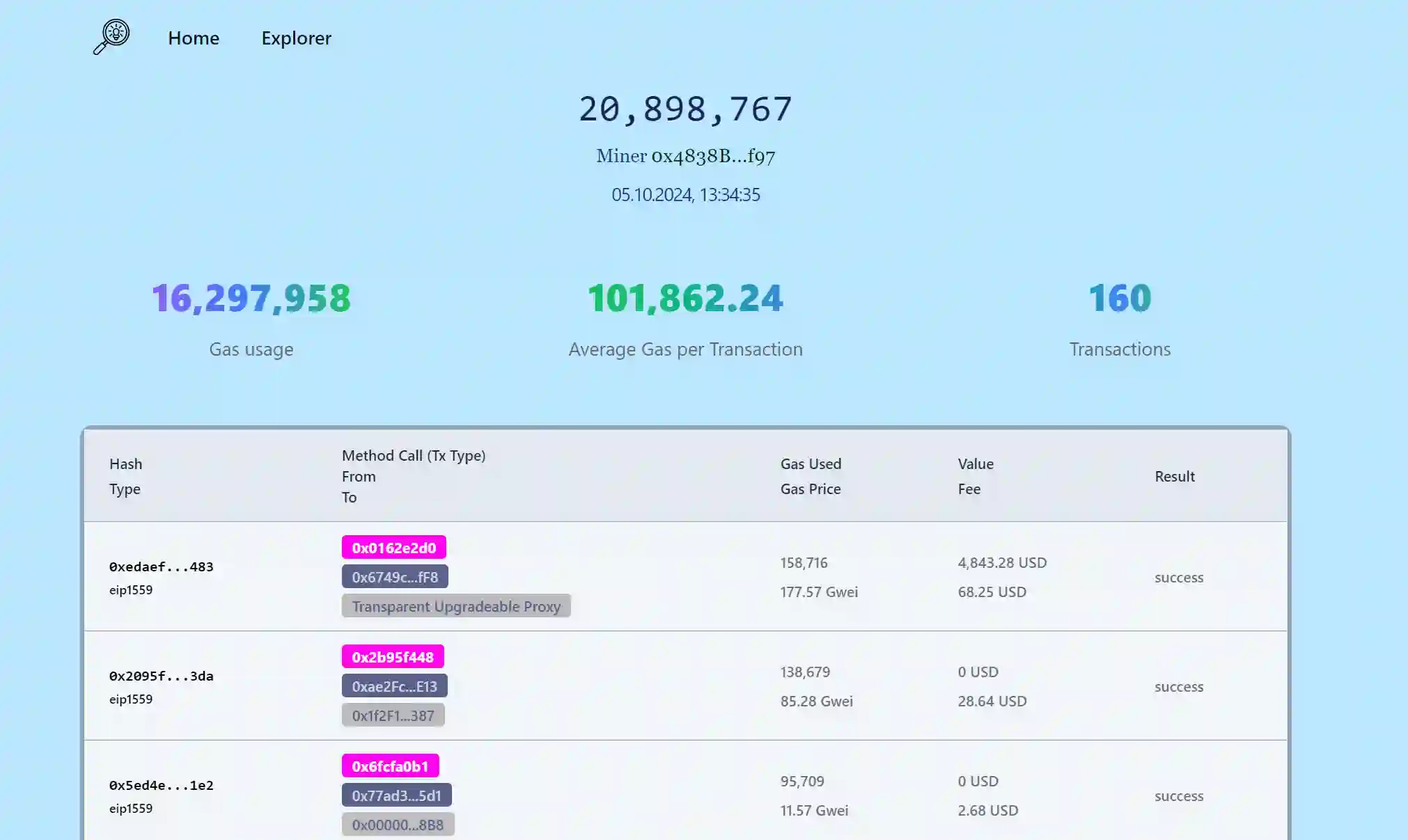
Additionally, aggregate data is prominently displayed, including the total Gas Usage, Transactions count, and Average Gas per Transaction, offering a comprehensive overview of the block's activity. Furthermore, the page showcases detailed transaction data with information on the receiver, sender, gas used, and transaction value in USD similar to transaction data available on an address page.
Explorer Page
Explorer Page contains links to popular sets of smart contracts:
- AAVE
- Aerdrome Finance
- Compound Finance
- ENS Domains
- ERC 20 tokens
- Uniswap
- Overnight Finance
- PancakeSwap
- ERC 721 tokens
- ERC 1155 tokens
- Optimism Governance
- Velodrome Finance
- Token Sets
For instance, clicking on ERC20 rectangle will display detailed information about ERC20 contracts and networks.
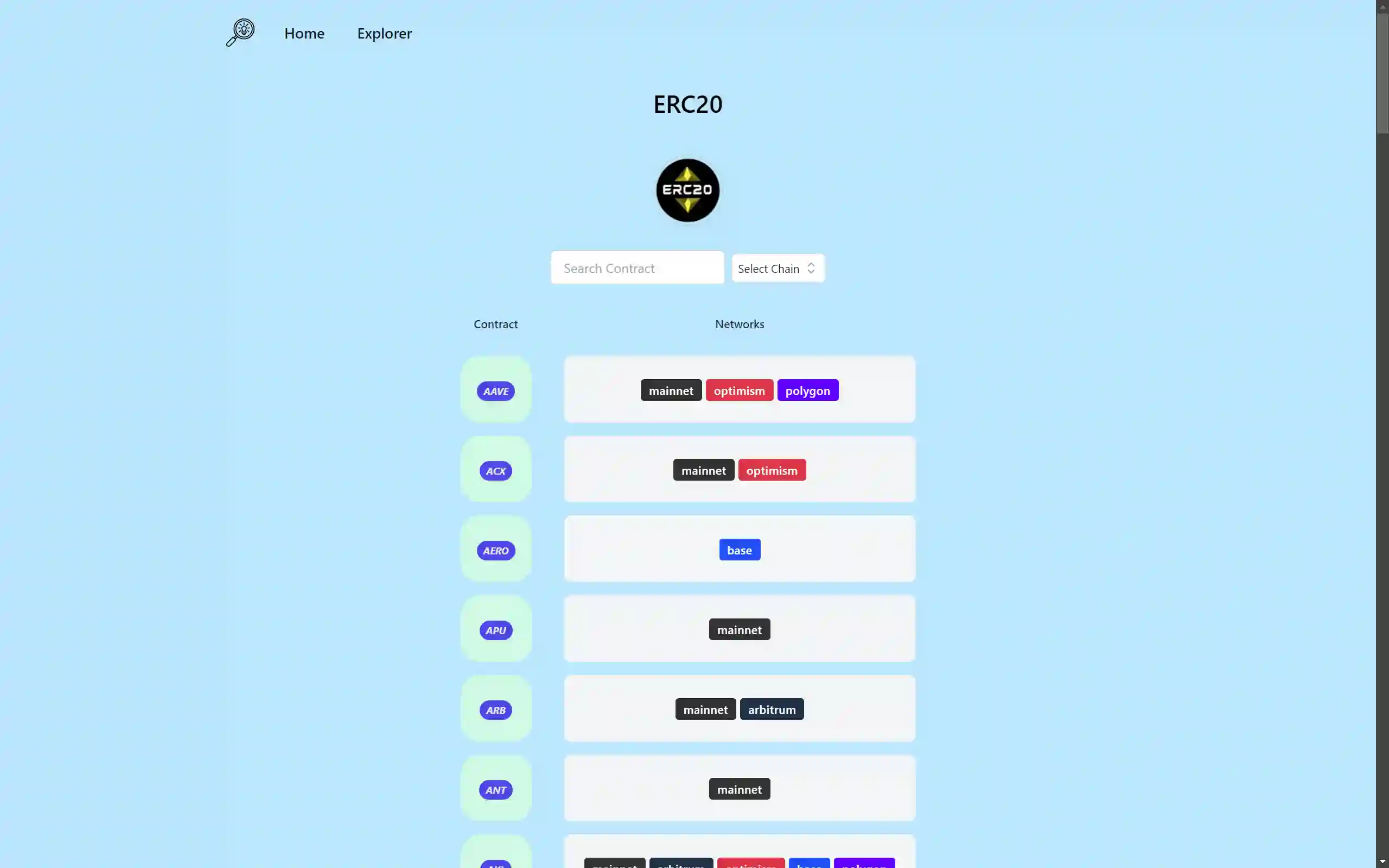
You can also search contracts by name and a chain:

Finally, ENS Domains Page:

